MATLAB Mobile
Stellen Sie über Ihr iPhone, iPad oder Android-Gerät eine Verbindung zu MATLAB her



Stellen Sie eine Verbindung zu einer MATLAB®-Sitzung in der MathWorks Cloud her.

Erfassen Sie Daten von Gerätesensoren, z. B. Beschleunigungsmesser und GPS, und analysieren Sie diese Daten in MATLAB.

Erstellen Sie Bild-, Video- und Audioaufnahmen zur weiteren Verarbeitung und Analyse.

Lernen und lehren Sie Mathematik, Ingenieurwissenschaften und weitere Fächer direkt über Ihr Mobilgerät.
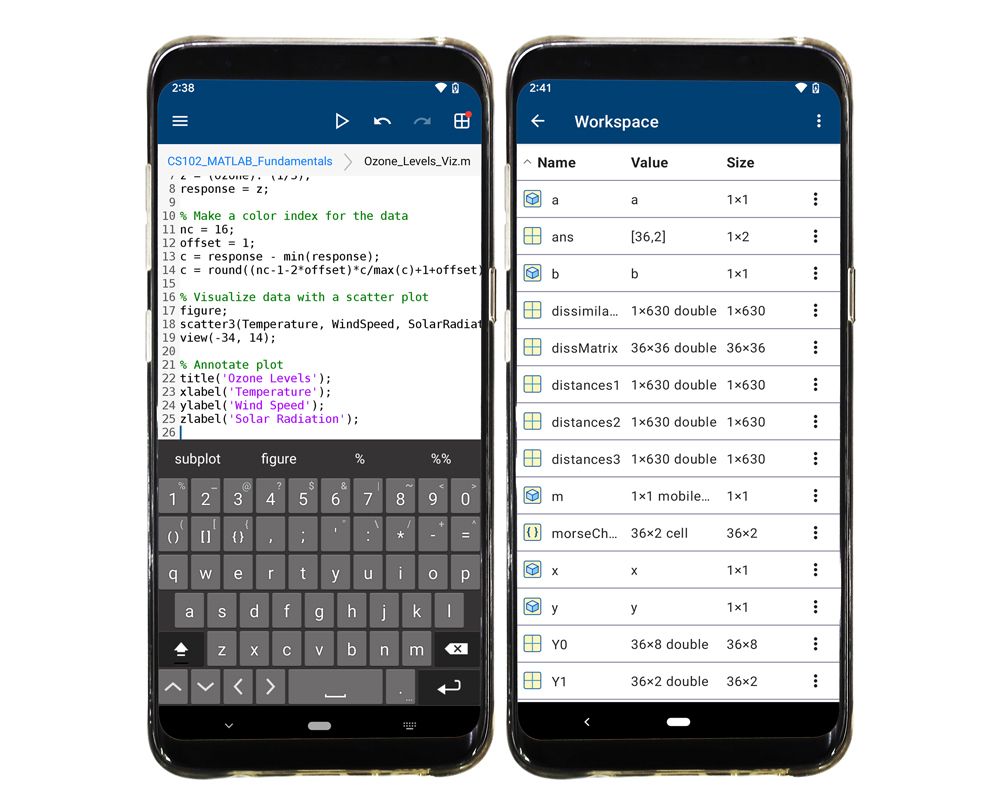
Stellen Sie eine Verbindung zur MathWorks Cloud her und greifen Sie überall dort auf MATLAB zu, wo Sie eine Internetverbindung haben.
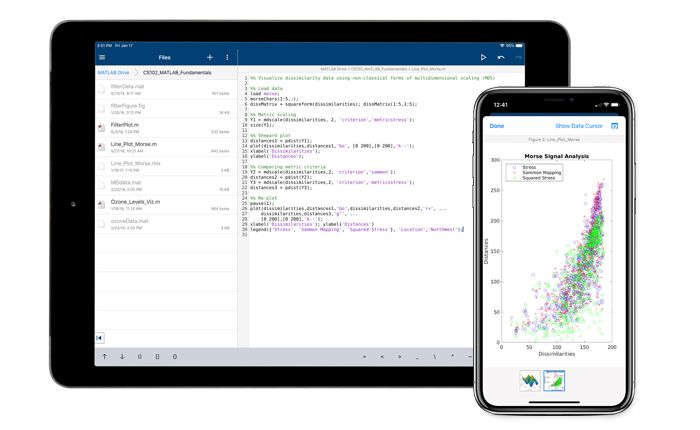
Speichern Sie Ihre Dateien auf MATLAB Drive und greifen Sie mit jedem beliebigen Gerät mit MATLAB Mobile™ darauf zu. Installieren Sie MATLAB Drive Connector und synchronisieren Sie Ihre Dateien zwischen Ihren Computern und MATLAB Mobile, um sie nicht manuell hoch- oder herunterladen zu müssen.
Erstellen Sie einen MathWorks Account und legen Sie los. Schalten Sie weitere Funktionen frei, indem Sie Ihren MathWorks Account mit einer Lizenz verknüpfen, die im MathWorks Software Maintenance Service aktuell ist. Wählen Sie die Option, die Ihren Anforderungen entspricht.
Stellen Sie jetzt mithilfe Ihres MathWorks Accounts eine Verbindung mit der Cloud her.
Verknüpfen Sie Ihren Account mit einer MATLAB-Lizenz, um Funktionen freizuschalten.
Optionen anzeigen.
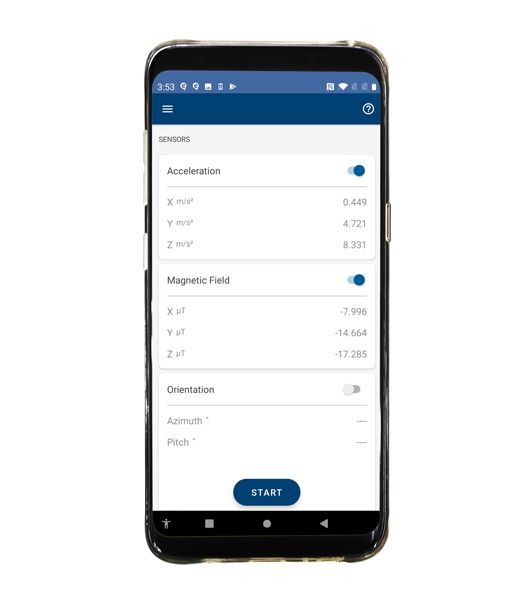
Erfassen Sie Daten von den integrierten Sensoren Ihres Geräts. Sie können folgende Daten erfassen:
Sie können Sensordaten zur Analyse in MATLAB Mobile oder MATLAB Online direkt an die MathWorks Cloud streamen oder die Daten in Protokolldateien speichern, wenn Sie offline sind. Mithilfe von Support-Paketen können Sie die Daten in MATLAB analysieren und Anwendungen erstellen, die diese Daten nutzen.
Laden Sie das MATLAB Support-Paket für Android™- oder iOS-Sensoren herunter.
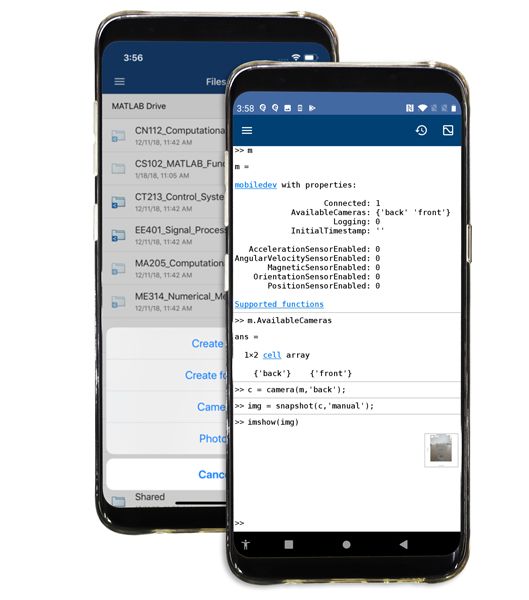
Verbinden Sie die App mit Ihrer Kamera und Ihrem Mikrofon und erstellen Sie Foto-, Audio- und Videoaufnahmen zur weiteren Verarbeitung und Analyse mit MATLAB, der Image Processing Toolbox™ und anderen Produkten. Sie können Bilder über den Dateibrowser erfassen und speichern oder programmatisch über Ihre MATLAB-Skripte darauf zugreifen.
MATLAB Mobile erleichtert das Lernen und Lehren in Disziplinen, die rechnerisches Denken erfordern, z. B. Mathematik, Physik und Ingenieurwissenschaften.
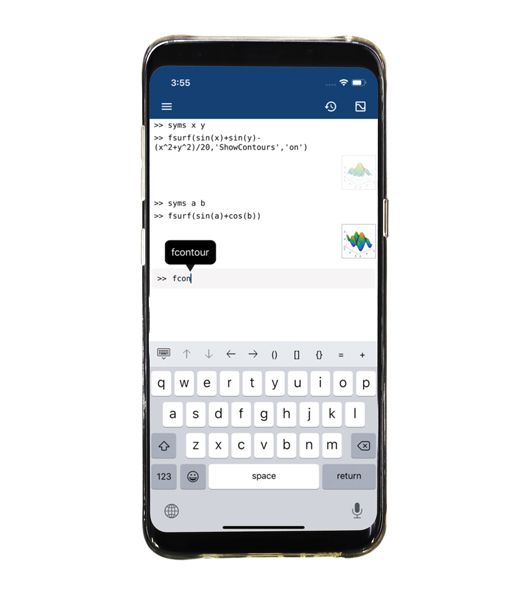
In Verbindung mit der Symbolic Math Toolbox™ können Sie auf Funktionen für Disziplinen wie Algebra und Differenzial- und Integralrechnung zugreifen. Führen Sie analytische Berechnungen wie Differenzierung und Integration durch und lösen Sie algebraische und gewöhnliche Differentialgleichungen. Visualisieren Sie analytische Funktionen in 2D und 3D. Nutzen Sie MATLAB Mobile als Rechner und arbeiten Sie mit bemaßten physikalischen Größen unter Verwendung von Einheiten.



Sie können auch eine Website aus der folgenden Liste auswählen:
Amerika
Europa
Asien-Pazifik
